Working From Home: Setting Up a Secure IT Environment in 2020
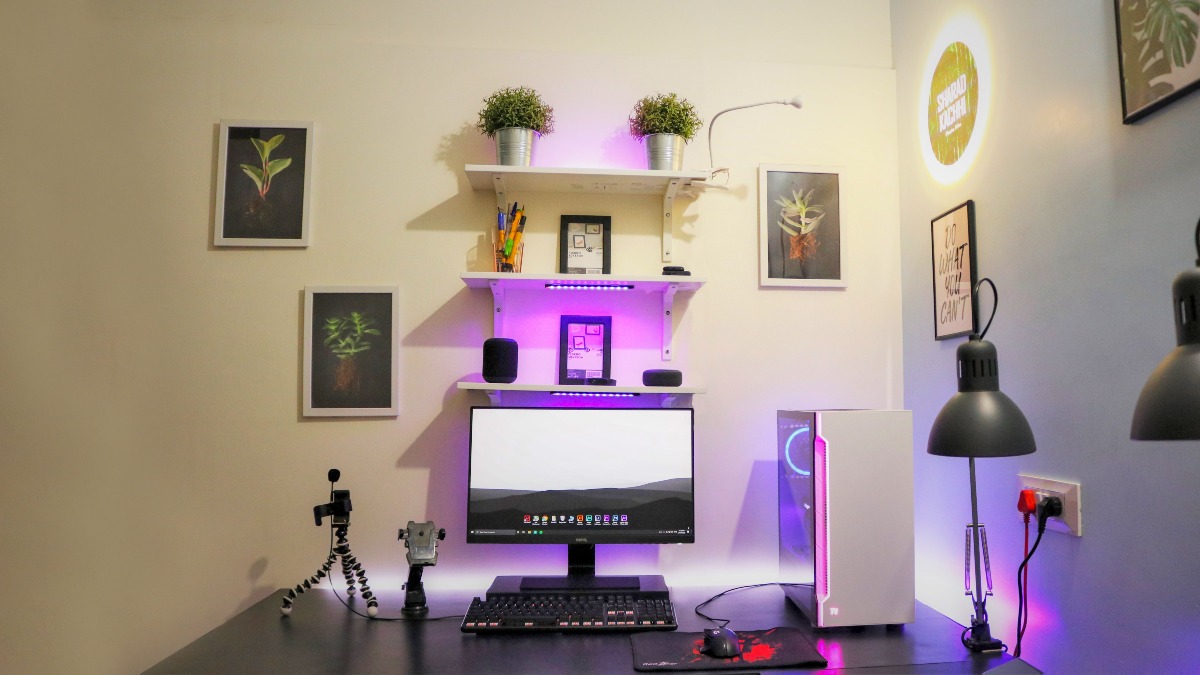
Remote Work Is Here to Stay
In mid-2020, millions of UK workers made the shift to working from home almost overnight. For many businesses, this raised urgent questions about IT security, connectivity, and productivity. As an IT support professional, I saw first-hand how many businesses were caught unprepared.
Use a VPN for All Remote Connections
A Virtual Private Network (VPN) encrypts your internet connection and protects sensitive business data when working outside the office. Whether you are accessing company files, using cloud software, or joining video calls, a VPN adds a critical layer of security that every remote worker should have.
Keep Software Updated
Outdated software is one of the most common entry points for cyber attacks. Make sure your operating system, antivirus, and all business applications are set to update automatically. This simple step can prevent a large number of security incidents.
Use Strong Passwords and Two-Factor Authentication
Weak passwords are an open invitation to hackers. Use a password manager to generate and store complex, unique passwords for every account. Enable two-factor authentication (2FA) wherever possible, especially for email, banking, and cloud services.
Secure Your Home Wi-Fi
Your home router is the gateway to your entire network. Change the default admin credentials, use WPA3 or WPA2 encryption, and consider setting up a separate guest network for non-work devices. A few minutes of setup now can prevent serious problems later.
Need IT Support for Your Remote Team?
Setting up and maintaining a secure remote working environment does not have to be complicated. Get in touch and I can help your business implement the right tools and policies to keep your team productive and your data safe.